








































 +67
64.3%
right file first, across 10,000 mixed files
1.6× as often as the next best, SQLite FTS5.
- Truffle64.3%
- SQLite FTS539.0%
- FTS5 + e529.5%
- bge-m327.8%
- Tantivy25.0%
- e5-small20.6%
- ripgrep9.1%
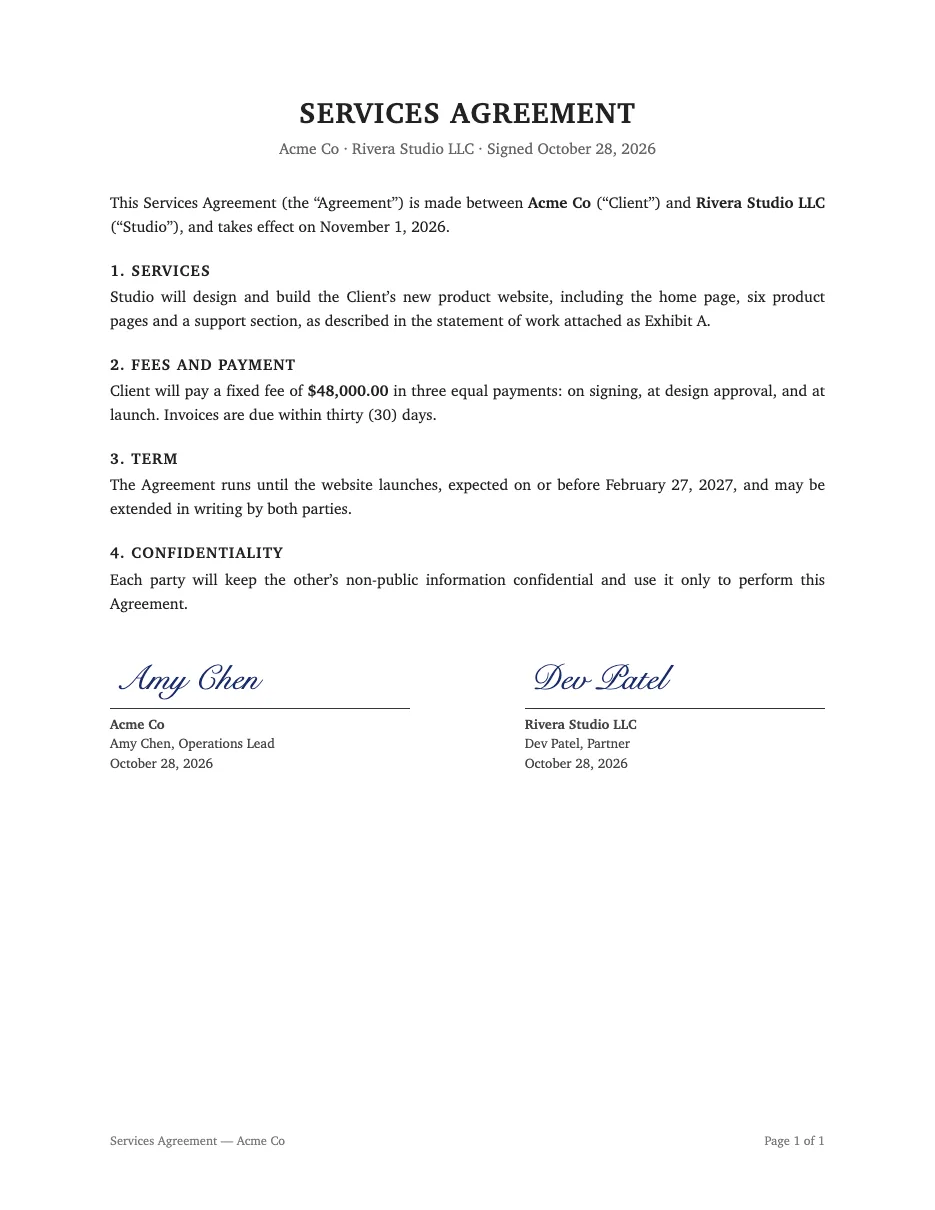
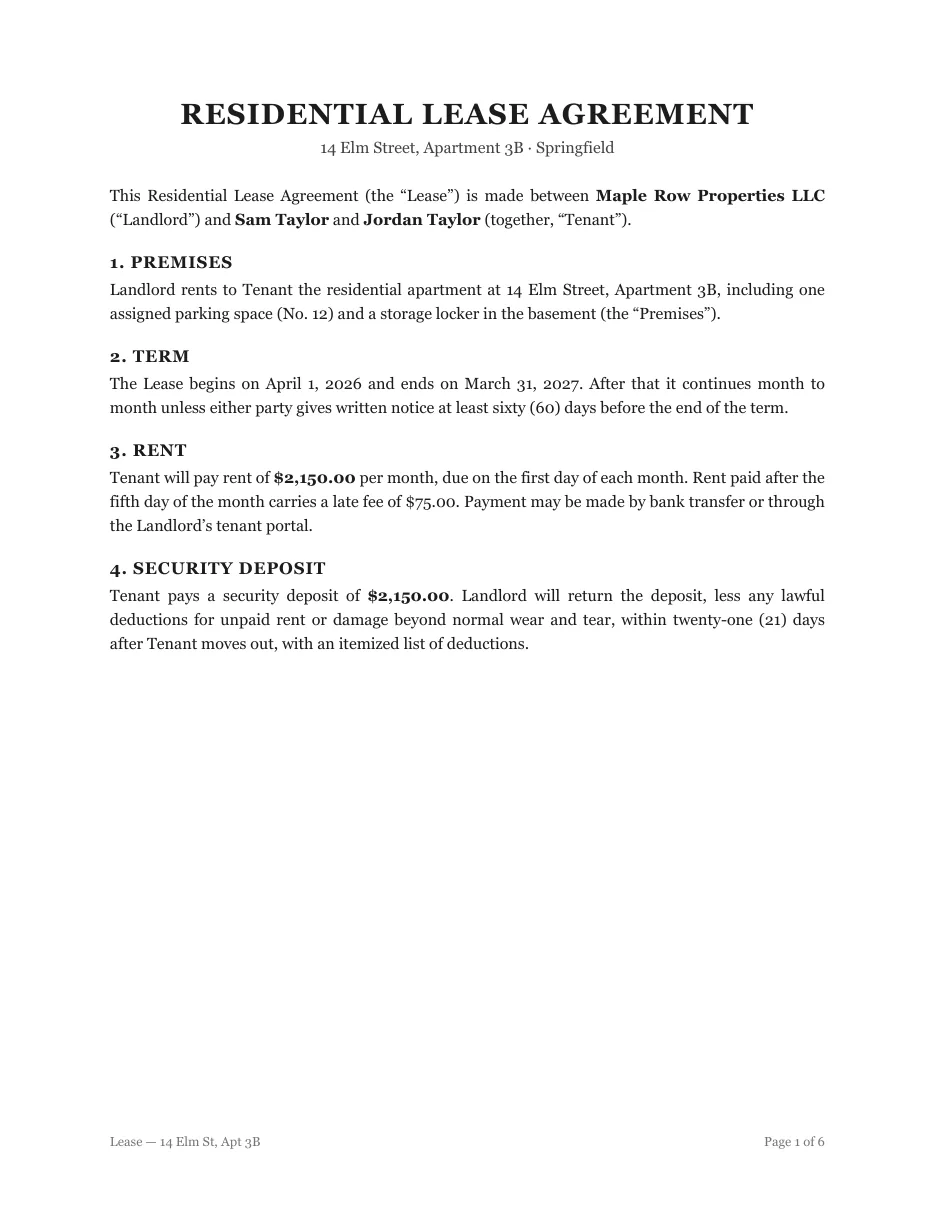
Press Ctrl twice and describe any file, like “lease from March”. Truffle finds it on this computer, on your other computers, or on a coworker's: “Dev, the signed Acme contract”. Dev just taps Send.
Nothing to install. Searching photos and videos by what's in them needs the Mac app.
Your Mac is full of files with names like Scan 3.pdf and IMG_4821.
Or click the button. A search box opens.
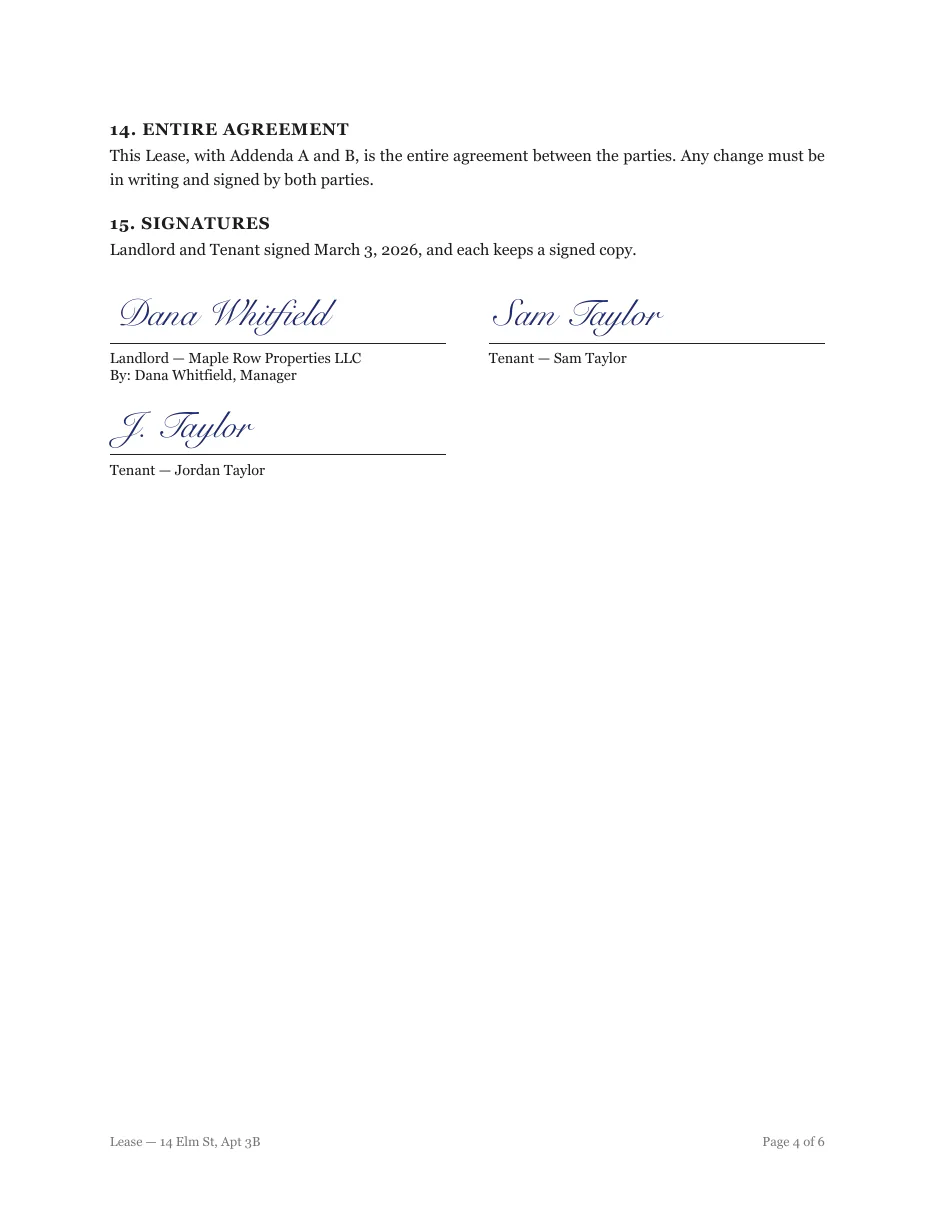
Type “the lease we signed in March”. No file name, no folder. You see why each result matched.
It sees the cake and candles, and reads the card. No tags or albums.
One sentence picks all 81 photos. 3 that look private stay out.
Our server passes them on but can't open them. They're deleted within 7 days.
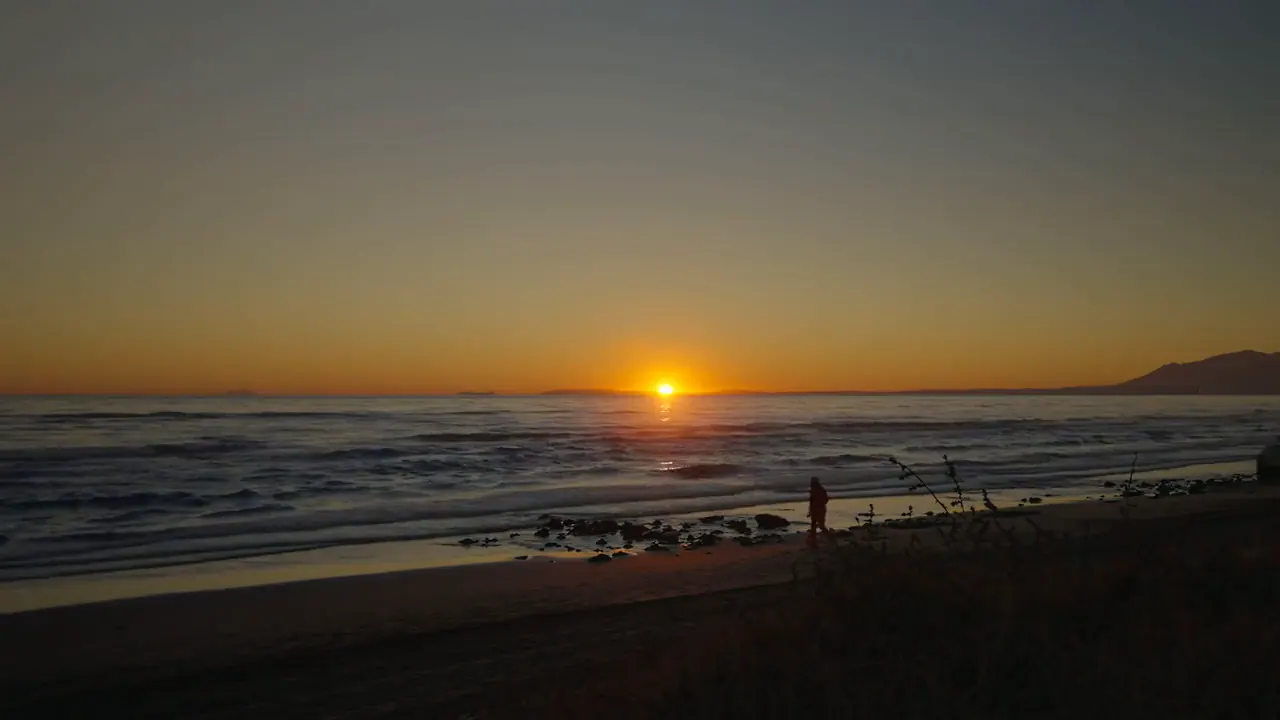
It matches the beach and Ian's words, then opens the video right where he says them.
Pick Dev and type “the signed Acme contract”. Dev's Mac finds it. Nothing comes back until Dev says yes.
Only your devices can open it.
Out and need the lease? Your Mac finds it and sends it, encrypted. Works in your phone's browser today.
Files you send are encrypted. We can't open them.
Nothing to install. Searching photos and videos by what's in them needs the Mac app.
On your phone
Ask your computer for a file from anywhere, say yes to a coworker in one tap, and find the photos on the phone itself.
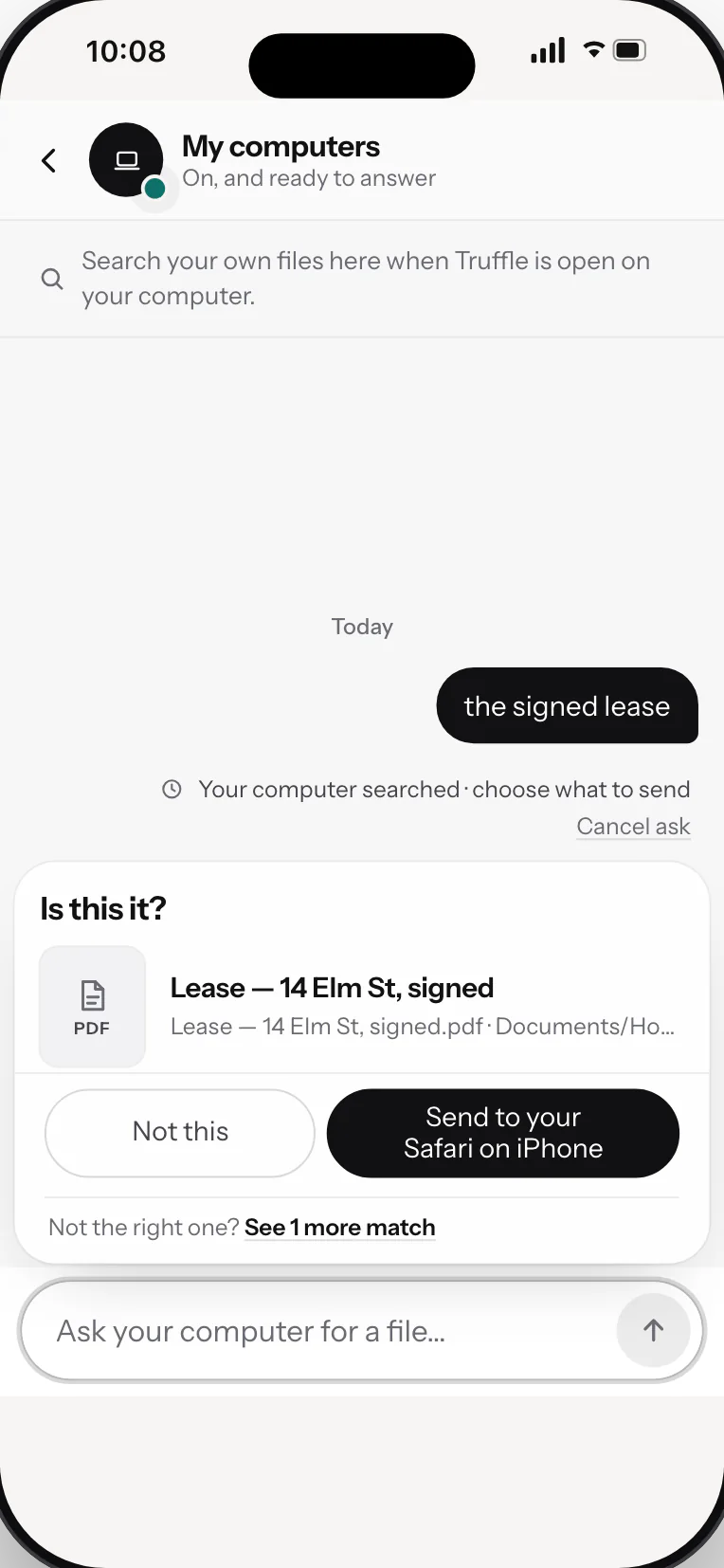
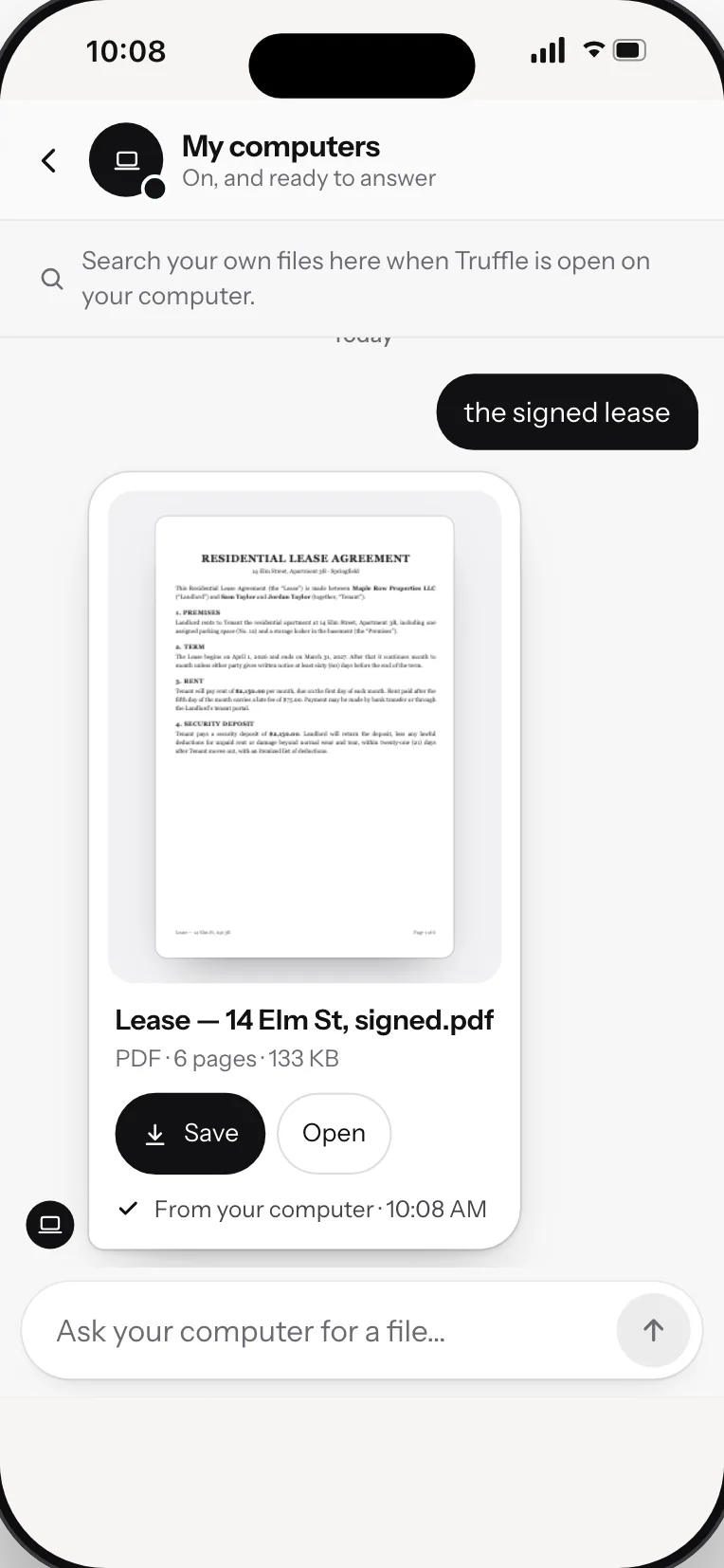
Out and need the lease? Ask, and your computer finds it and sends it to your phone.
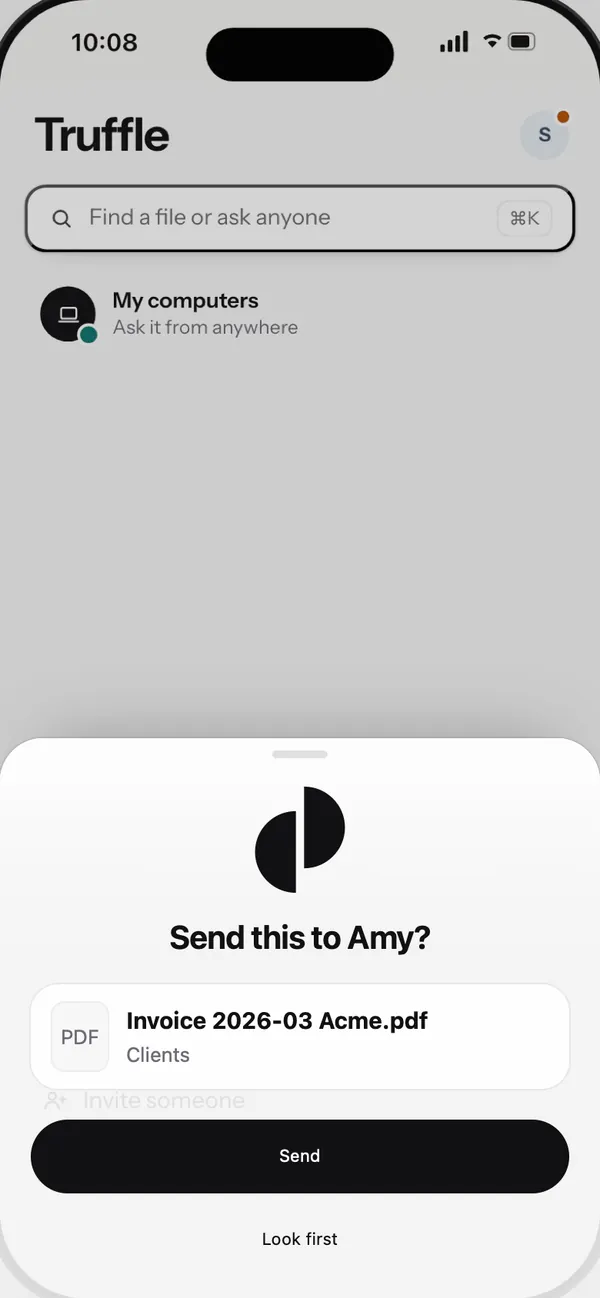
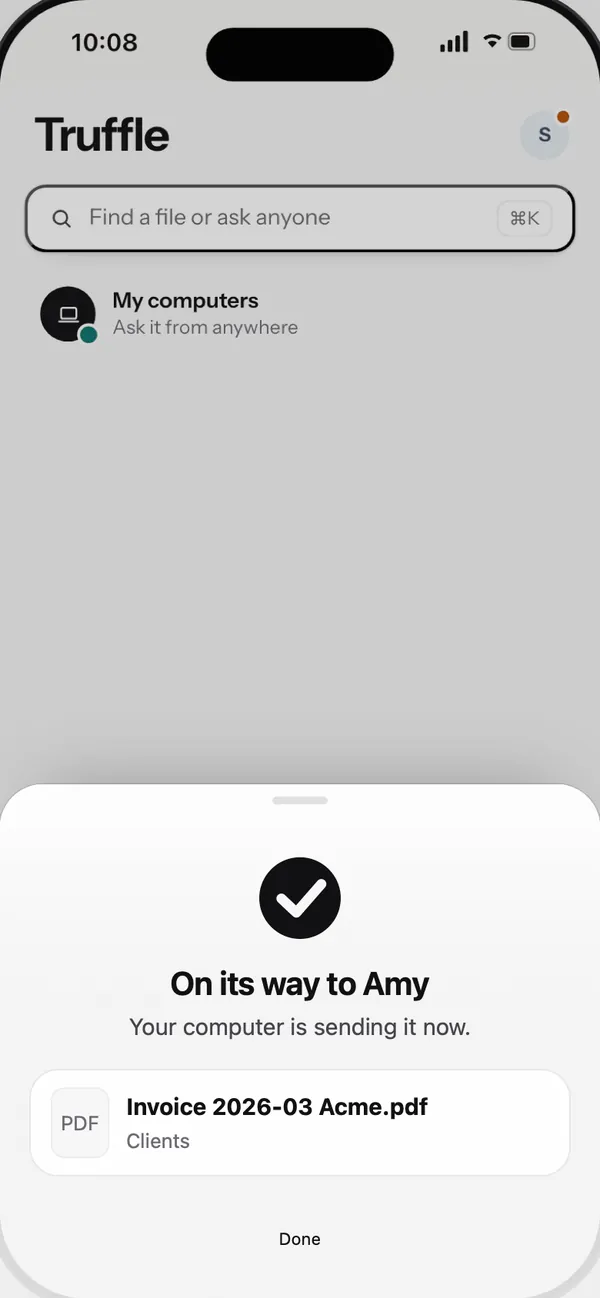
Amy asks for the March invoice. Check the file, tap Send, and your computer sends it.
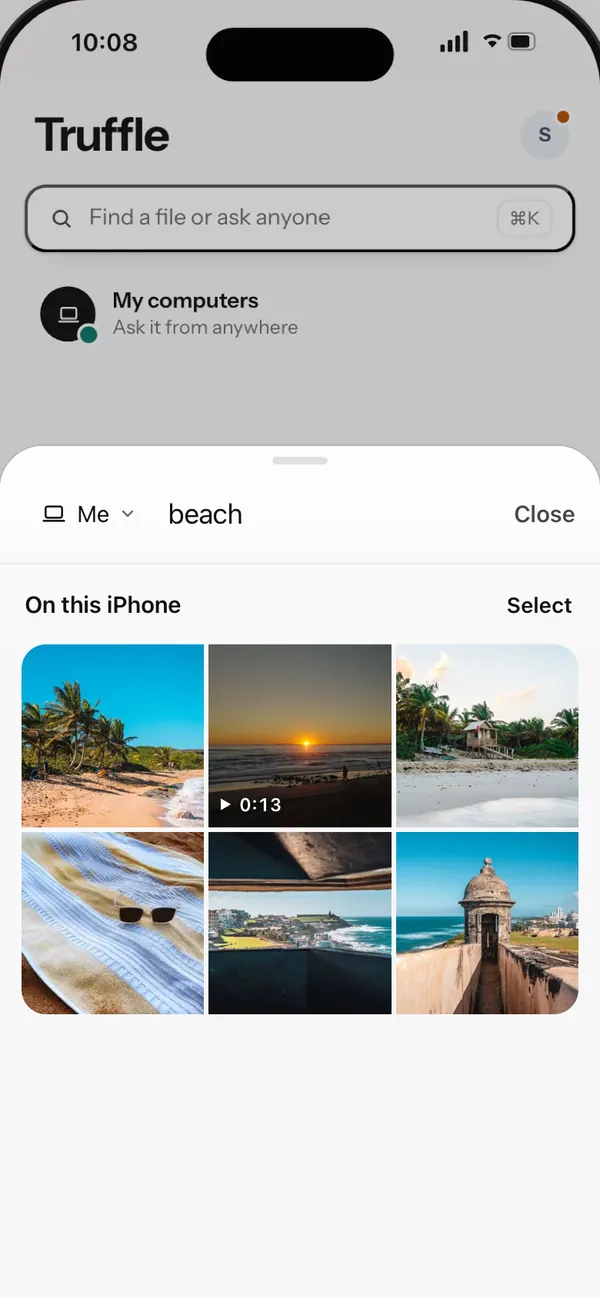
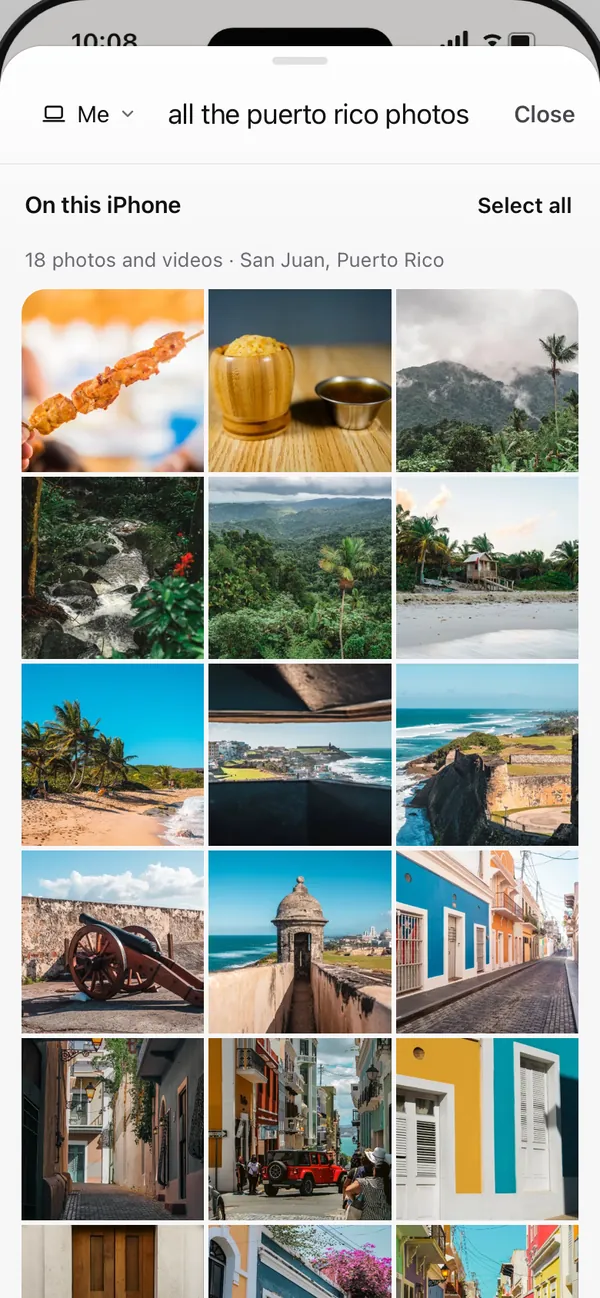
By what's in them, the words in them, the place or the date. Nothing leaves the phone unless you send it.
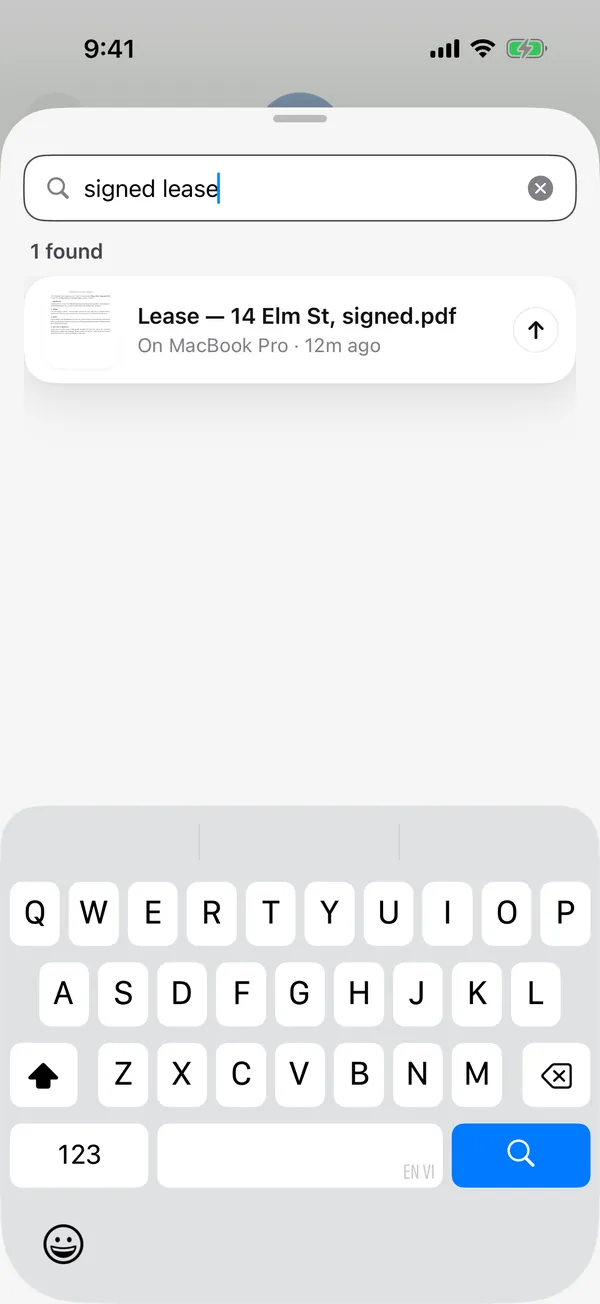
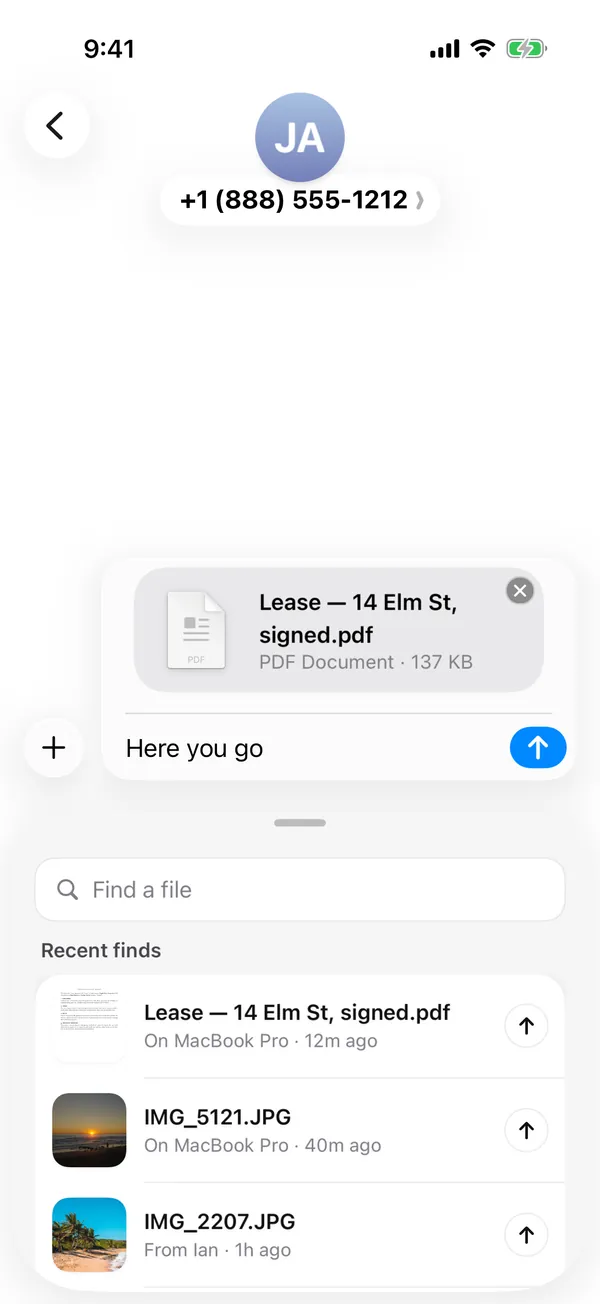
Open Truffle in the Messages app drawer, find the file and drop it into the chat.
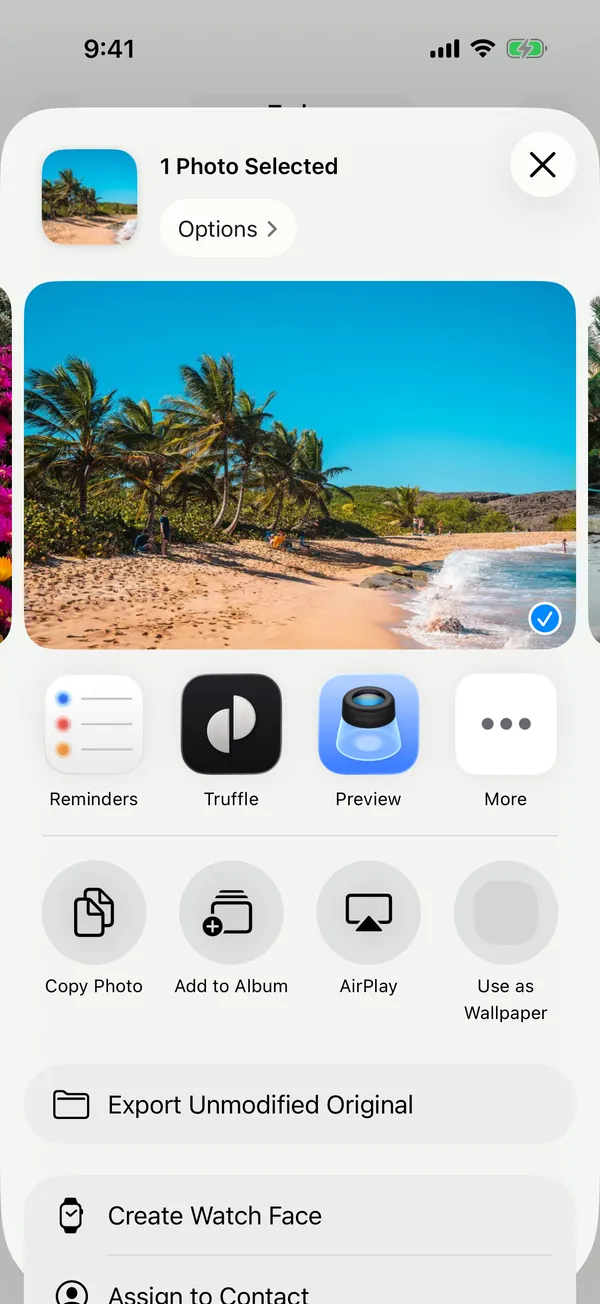
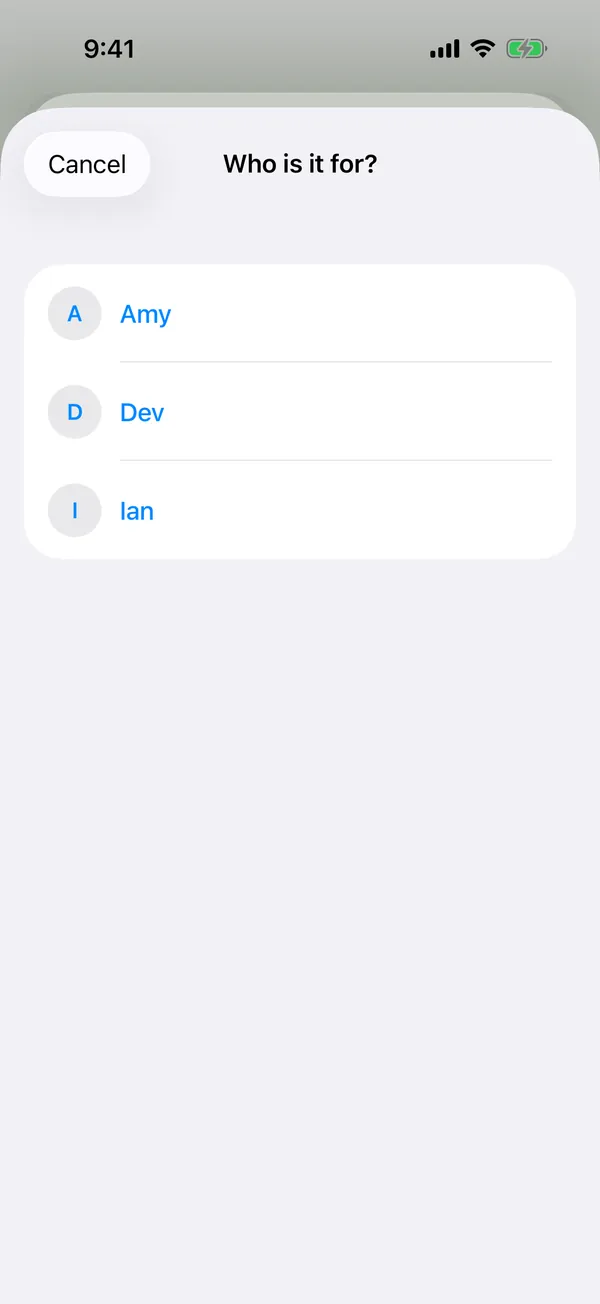
From Photos, Files or Mail, pick Truffle, then who it's for. It goes as the answer to their ask.
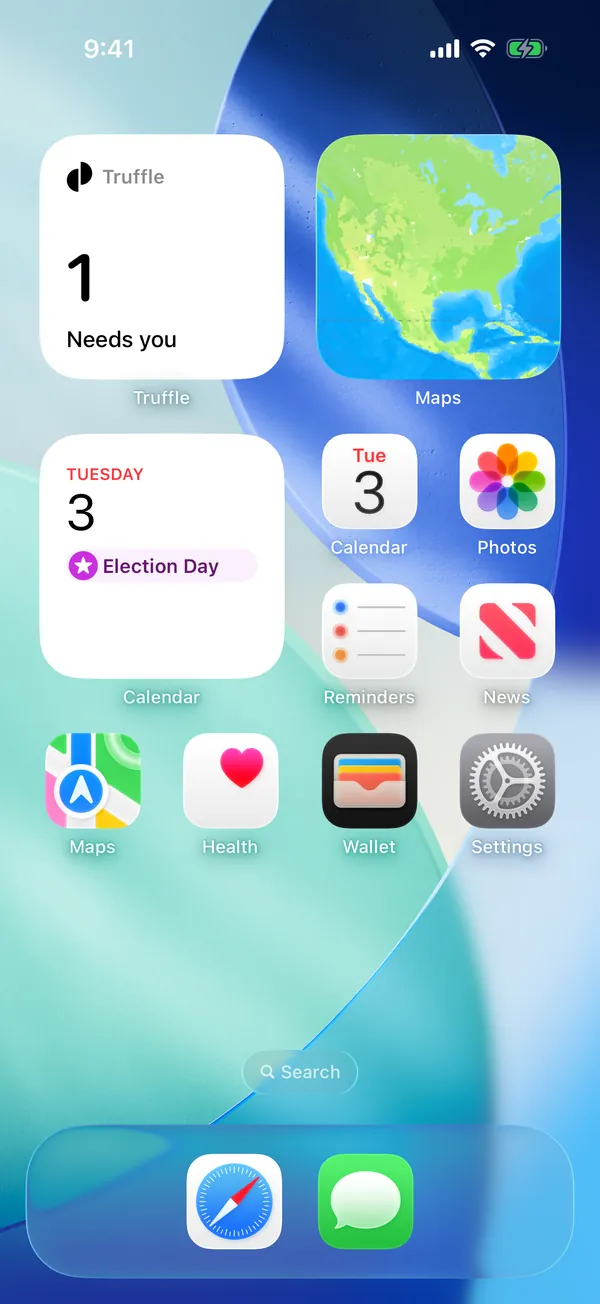
A widget shows what needs you. One tap opens it.
The iPhone and Android apps are almost ready. Until then, Truffle works in your phone's browser. Use in your browser
How it works
Search runs on your computer. Our server only passes along the files you choose to send, encrypted so we can't open them.

What your Mac saved about one photo
It also saves a search fingerprint: numbers your Mac uses to match what you type. They can't be turned back into the photo.
Saved only on this Mac. That's how “mia blowing out the candles” found this photo: by the sign and the candles in it, not by anyone's face.
The AI runs on your computer, using the Neural Engine on Apple silicon Macs. The search index, and what it remembers, stay there too.
It sees
It never sees
Each file is encrypted on your computer before it leaves, so only the other person's devices can open it. We delete our copy 24 hours after it's downloaded, and never keep it longer than 7 days.
truffle.pageduo.ai/l/7Hq2vRk#kR9xL2aWm4…
Your browser gets from us/l/7Hq2vRk
Stays in the browser#kR9xL2aWm4…
The key is the part after the #. Browsers never send that part to a server, so we can't open the file. Links last 7 days. Private files are included only if you add them one by one.
Nothing is sent without you. When someone asks for a file, you see their request and what your computer found. Nothing is sent until you tap Send. Automatic sending is off unless you turn it on for a folder.
Sensitive files always need your OK. Files with tax, bank or ID numbers are never sent automatically, even if you allowed the folder.
We don't train on your files. Truffle learns from the files you open, on your own device. Sharing data to help us improve it is off unless you turn it on.
Benchmarks
How often the file you wanted comes up first. Every engine searched the same files with the same questions.
Our own benchmark, on files we generated.
64.3%
right file first, across 10,000 mixed files
1.6× as often as the next best, SQLite FTS5.
57.5%
right file first, across 1,000,000 mixed files
1.7× as often as the next best, SQLite FTS5.
75.0%
right file first by the words in screenshots, scans and photos of pages (10,000 files)
3× as often as the next best, macOS Spotlight.
How long a typical search takes. Shorter is faster.
2.6× faster than SQLite FTS5 at a million files.
Truffle · 4,100 photos, screenshots and videos
9.5 msTruffle · a million files
39 msSQLite FTS5 · a million files
102 msThe bars play 15× slower than real time. Tantivy is faster (4.2 ms) because it only matches exact words. At a million files, it puts the right file first 24.6% of the time.
75.4%
In 21 languages, with 58 generated files per language, asked in that language: Truffle puts the right file first 75.4% of the time, up from 63.7% before our language work.
Truffle against its own earlier version, not against other tools. Each language has 24 to 31 searches: one language shows a direction, all 21 together are the result.
These are our own benchmarks, run on files we generated, not on anyone's real files. Every engine searched the same files with the same questions. Nobody outside has re-run them yet.
The files: mixed sets of 10,000, 100,000 and 1,000,000 files in English and Vietnamese, including PDFs, Word and Excel files, text, receipt photos, screenshots, scans and photos. The 21-language results come from a separate run.
Speeds are typical times with the index already loaded, on one MacBook Pro with an M3 Max. Slower computers will take longer. We have not yet compared Truffle with Google Photos, Apple Photos, Google Drive or Dropbox search, so we make no claim about them.
For you, your family, your team or your clients. Your files stay on your computer, and so does the search.
Nothing to install. Searching photos and videos by what's in them needs the Mac app.
Try
In this demo
Not in this demo. On your computer, Truffle searches all your own files.