Spotlight not finding files on your Mac? How to fix it
The short answer
Usually the file is in a folder Spotlight skips, its kind of result is switched off, or the index needs rebuilding. Check the first two, then rebuild. A rebuild takes a while, but it fixes most cases.
Check which results are switched on
- Open System Settings → Spotlight (on older versions: Siri & Spotlight).
- Make sure the kinds of files you want, such as Documents, PDF Documents and Images, are switched on.
Check the privacy list
- In the same place, open Search Privacy (or Spotlight Privacy).
- If the folder or drive with your file is listed, Spotlight skips it. Select it and click –.
Rebuild the index
- The easy way: add your startup disk (usually Macintosh HD) to the privacy list, wait a few seconds, then remove it. Spotlight starts indexing it again.
- Or in Terminal, type
sudo mdutil -E /and your password. - Check progress with
mdutil -s /. Indexing a full disk can take hours, and Spotlight finds less until it’s done.
External and network drives
- Type
mdutil -s /Volumes/NAMEin Terminal, using the drive’s name, to see whether it is indexed. - Turn indexing on with
sudo mdutil -i on /Volumes/NAME. - Network folders are often not indexed by Spotlight. Copy the file to your Mac, or search the computer it lives on.
When the words are in a picture
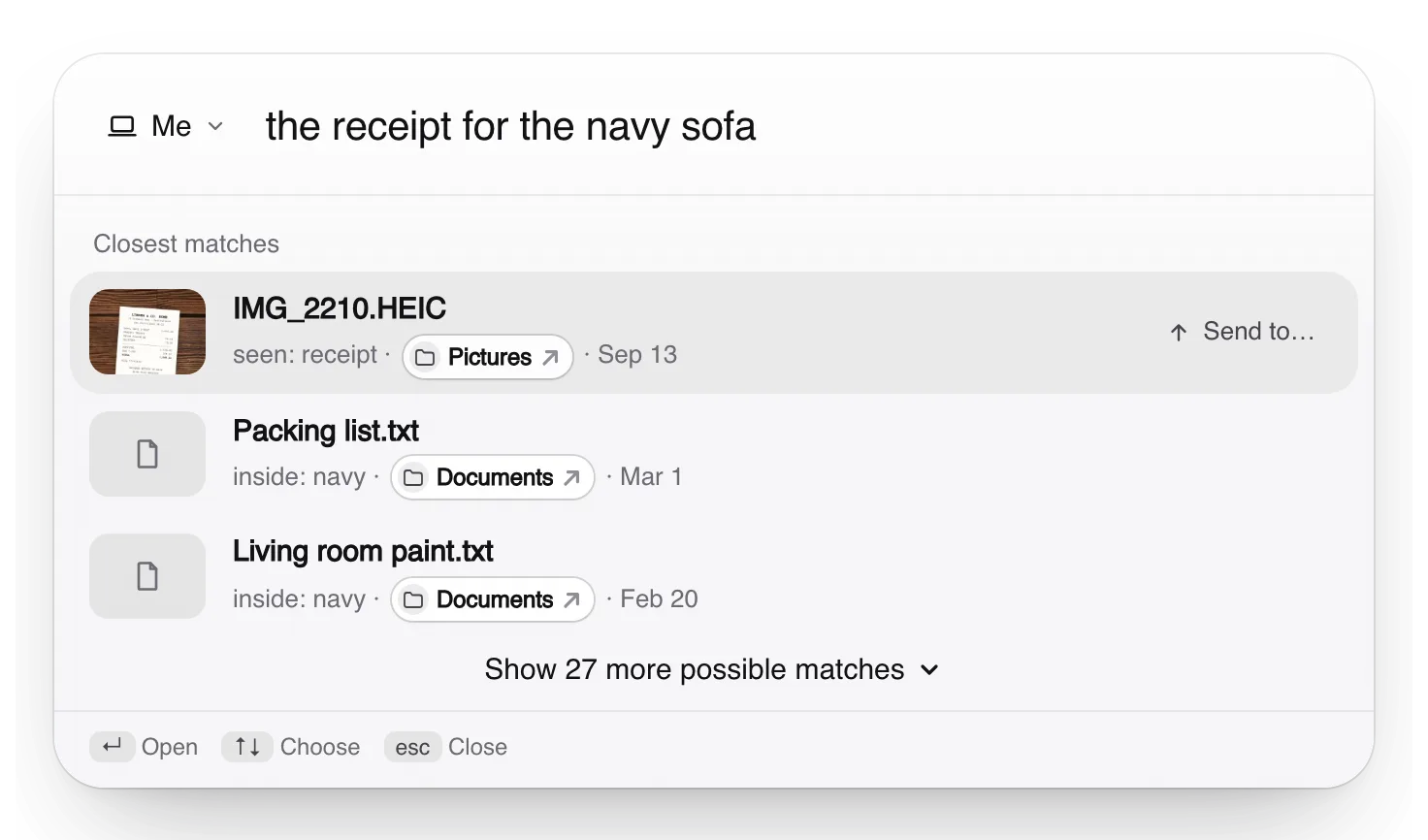
If what you remember is in a photo or a screenshot, or you'd rather describe the file than guess its words, Truffle searches your Mac by what's in each file. It runs on your Mac, alongside Spotlight.
Free. Your files are searched on your own computer, not uploaded to us.
Apple, Mac, macOS, Finder and Spotlight are trademarks of Apple Inc., registered in the U.S. and other countries and regions. PageDuo is not affiliated with, endorsed or sponsored by Apple.